
JUDGES
This information is for adults who are serving as judges at the high school National Tournament.
Judge Day System
-
- Per-Day Judging: Judging is owed on a per-day basis for most events. A judge who is entered for judge days in a category must be available for all rounds of that event held on that day. A judge may not fill only part of a day’s obligation. One judge may cover a maximum of 3 days.
- Big Questions and World Schools judges do not use the day system; BQ and WS judges must be available Monday-Thursday for all rounds.
- Multiple Categories: One judge may cover days in more than one judge category. For example, a judge could cover 1 day of speech and 2 days of Lincoln-Douglas.
- Supplemental Events Judging: All judges are eligible to be assigned to judge supplemental speech and Extemp Debate, regardless of whether their school has entries in supplemental events.
- Per-Day Judging: Judging is owed on a per-day basis for most events. A judge who is entered for judge days in a category must be available for all rounds of that event held on that day. A judge may not fill only part of a day’s obligation. One judge may cover a maximum of 3 days.
Eligibility
-
- Eligibility: Judges must have left or graduated high school before July 31, 2024, or earlier to be eligible to judge. Bringing a judge who does not meet this requirement will result in loss of judge bond and a $500 fee ($700 total).
- Online Ballots: All judges must have a linked Tabroom.com account. Online ballots will be used in every main and supplemental event.
- How to Link Your Account: If your Tabroom.com account shows “Welcome to Tabroom!”, you will need to link your account to your school before you are eligible to judge at the National Tournament.
- Select “Link your account” under the “Are you a judge?” header.
- Search for your first and last name as they appear on your school’s Tabroom.com judging roster.
- Select “Link” next to your name and school.
- If it says there are no judges with your name, ask the coach you are judging for how your name is displayed on the roster so you can type it in exactly.
- The coach of the school you’re judging for will receive an email notification to log in to Tabroom.com, select the Judges tab to access your school’s roster, and approve your request to be linked!
- Double Check Your Account is Linked: To double check you are all set up and ready to judge, make sure National Speech and Debate Tournament is listed under the Judging header on the right side of your Tabroom.com account.
- If it’s not, ask your coach to double check that they linked the correct Tabroom.com account to your entry in your school’s online registration.
- How to Link Your Account: If your Tabroom.com account shows “Welcome to Tabroom!”, you will need to link your account to your school before you are eligible to judge at the National Tournament.
Ballot Feedback
-
- Judges in all main events and supplemental events will be required to leave written feedback on their ballots. Meaningful written feedback allows coaches and competitors to understand why they received the decision or ranks they did and is essential to growth in speech and debate activities and beyond.
All Judges
-
- All of this information can be completed by logging in to Tabroom.com, selecting “National Speech and Debate Tournament” under the Judging header, and selecting “Judge Forms.”
- May 15: Judges with 2+ years of experience coaching, judging, or competing in an event can self-nominate themselves to judge a semifinal or final round.
- May 15: Judges in Policy, Lincoln-Douglas, Public Forum, and World Schools are required to complete a brief paradigm questionnaire.
- May 15: Deadline to complete required judge accreditation modules and claim your badges in Tabroom.com.
- To complete a module means that the you have watched the video and scored 100% on the corresponding quiz. Confirmation will automatically appear on your Tabroom.com profile within 24 hours of completion. Thank you for helping us ensure that all students at the National Tournament have high quality judging!
- Check for Confirmation: Navigate to Tabroom.com and select the “Judge Certifications” button under the Judging header on the right sidebar. You will see “Confirmed” next to completed courses. The confirmation will only appear automatically if your Tabroom.com account and your NSDA account use the same email address. If you used different emails or your confirmation does not appear for any reason, please email info@speechanddebate.org for assistance.
- All judge accreditation modules can be found at www.speechanddebate.org/judge-accreditation. You must create or log in to a free NSDA account before beginning.
- Congress judges: Must complete the following modules – Level 1: Intro to Impartial Judging, Level 1: Intro to Judging Congress, and Level 2: Judging Congressional Debate.
- Policy judges: Must complete the following modules – Level 1: Intro to Impartial Judging, Level 1: Intro to Judging Debate, Level 2: Judging Policy Debate, and Level 3: Advanced Skills for Judging Debate.
- Public Forum judges: Must complete the following modules – Level 1: Intro to Impartial Judging, Level 1: Intro to Judging Debate, Level 2: Judging Public Forum Debate, and Level 3: Advanced Skills for Judging Debate.
- Lincoln-Douglas judges: Must complete the following modules – Level 1: Intro to Impartial Judging, Level 1: Intro to Judging Debate, Level 2: Judging Lincoln-Douglas Debate, and Level 3: Advanced Skills for Judging Debate.
- Big Questions judges: Must complete the following modules – Level 1: Intro to Impartial Judging, Level 1: Intro to Judging Debate, Level 2: Judging Big Questions Debate and Level 3: Advanced Skills for Judging Debate.
- World Schools judges: Must complete the following modules – Level 1: Intro to Impartial Judging, Level 1: Intro to Judging Debate, and Level 2: Judging World Schools Debate. World Schools judges must also attend an in person training on Sunday, June 14, at the Greater Richmond Convention Center.
- Speech judges: Must complete the following modules
- June 14: Optional judge training sessions for judges in speech, debate, and Congress will be held on Sunday, June 14, at the Greater Richmond Convention Center. A required World Schools judge training will be held there as well.
Scheduling
-
- When Will I Know What I’m Judging? Judges will know the day and venue assigned for each day of the tournament on June 11 when the Judging Swap Window opens. Judges must be at their assigned venue for each round on that day. Read more about when and how judge days and venues are assigned.
- When Will I Receive My Specific Round Assignments? Judges who are judging a day with preliminary rounds will receive their assignments for preset rounds (round 1 and 2) by Monday morning of the tournament. Every round after that will not be paired until about 30 minutes prior to the round’s start time. Judges who are judging a day with elimination rounds will not receive assignments until up to 30 minutes prior to the round’s start time.
- Online Ballots: All ballots and judging assignments will be released digitally on Tabroom.com. No paper ballots or schematics will be distributed. Be sure to pack your chargers and devices!
- Missing a Round: If a judge fails to report for each round on a day they are obligated, their school will forfeit the judge bond of $200 for the first round missed, and a $100 per judge per round penalty will be assessed thereafter.
Judging Resources
Judge Accreditation
Complete the required judge accreditation modules.
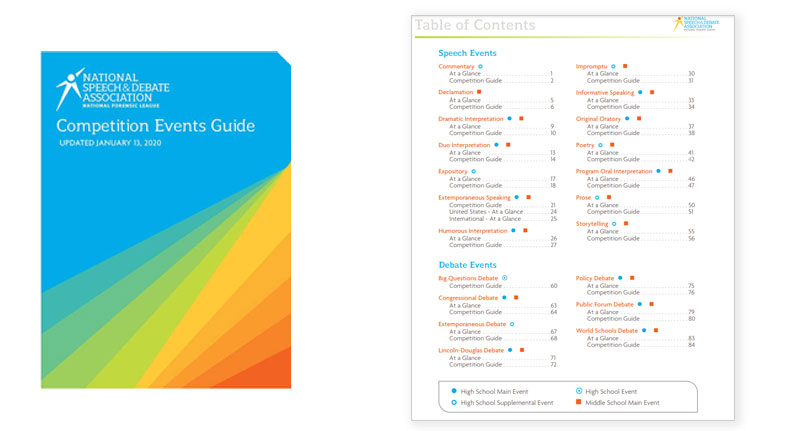
Competition Events Guide
Explore the basics of each event and what it takes to succeed.
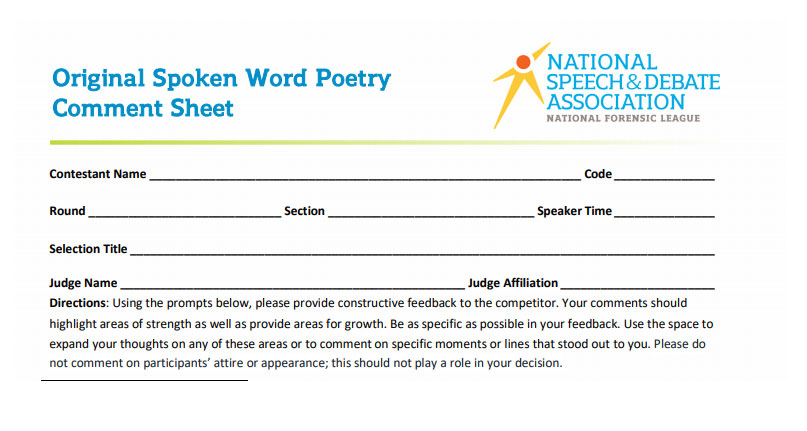
Review Ballots
Use our sample ballots to get a sense for how students will be evaluated or for practice competition.
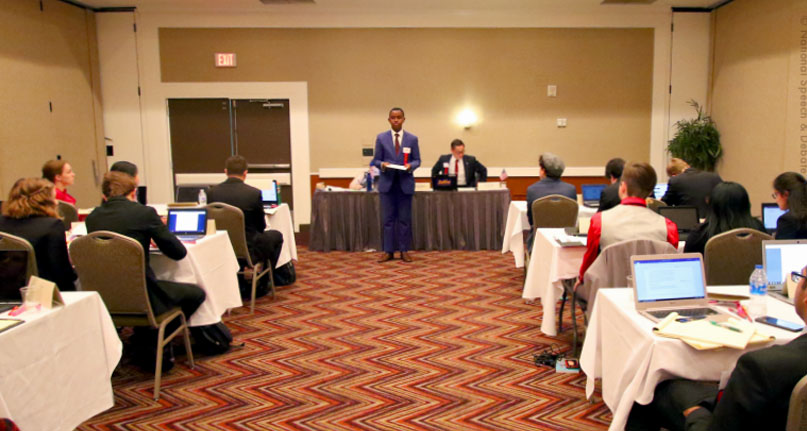
Congress Guide
Download a Printable PDF Guide to Congressional Debate.

Learn the Topics
Learn the topics competitors will use at the National Tournament (announced May 1).
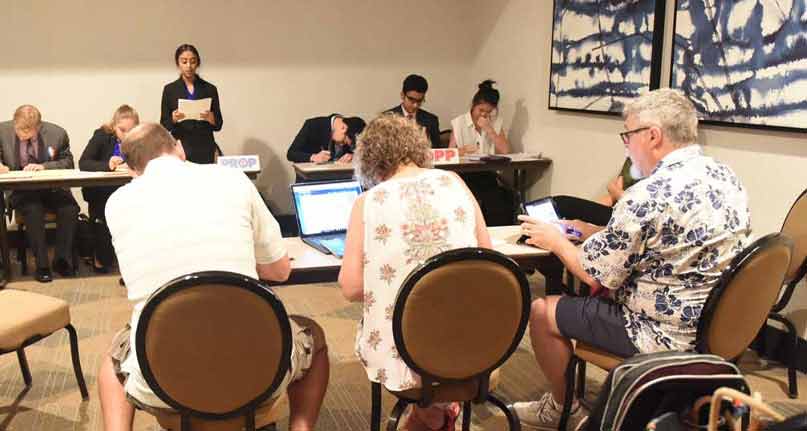
Judge Board
Do you need a judge for an upcoming tournament? Do you want to judge an upcoming tournament? Our Judge Board is a list of contacts in the speech and debate community who have indicated their interest in judging tournaments.
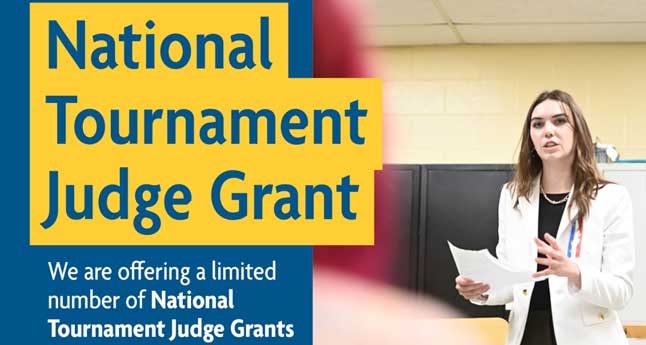
National Tournament Judge Grant Application
Learn more about the National Tournament Judge Grant Application.